

Here’s my beautiful unemployed-for-too-long-have-no-money-dont-care-about-looks lab :)

Hey it’s more than good enough to run all this ¯_(ツ)_/¯

Here’s my beautiful unemployed-for-too-long-have-no-money-dont-care-about-looks lab :)
Hey it’s more than good enough to run all this ¯_(ツ)_/¯
Projects that im running:
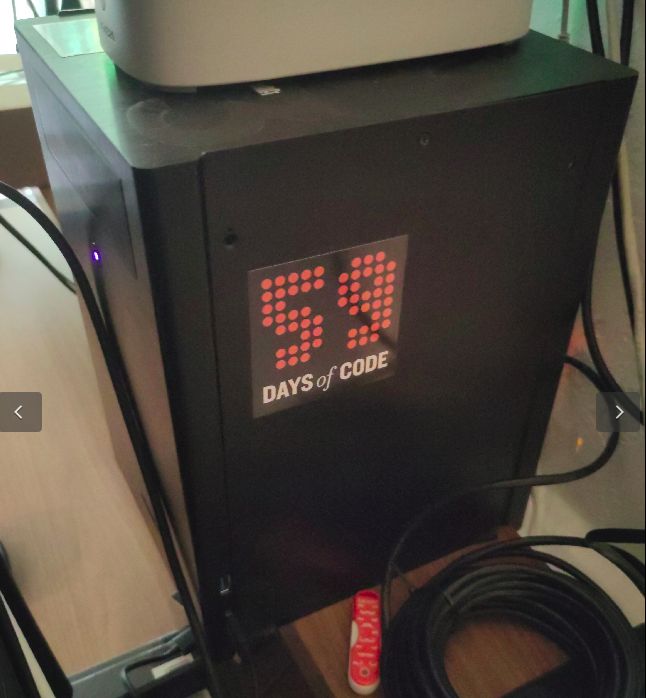
General Web server out of junk
Old system 76 machine from a while back. Its what is running a majority of my services for self hosting. Only one screw keeps the case together, since I get into the insides quite often.
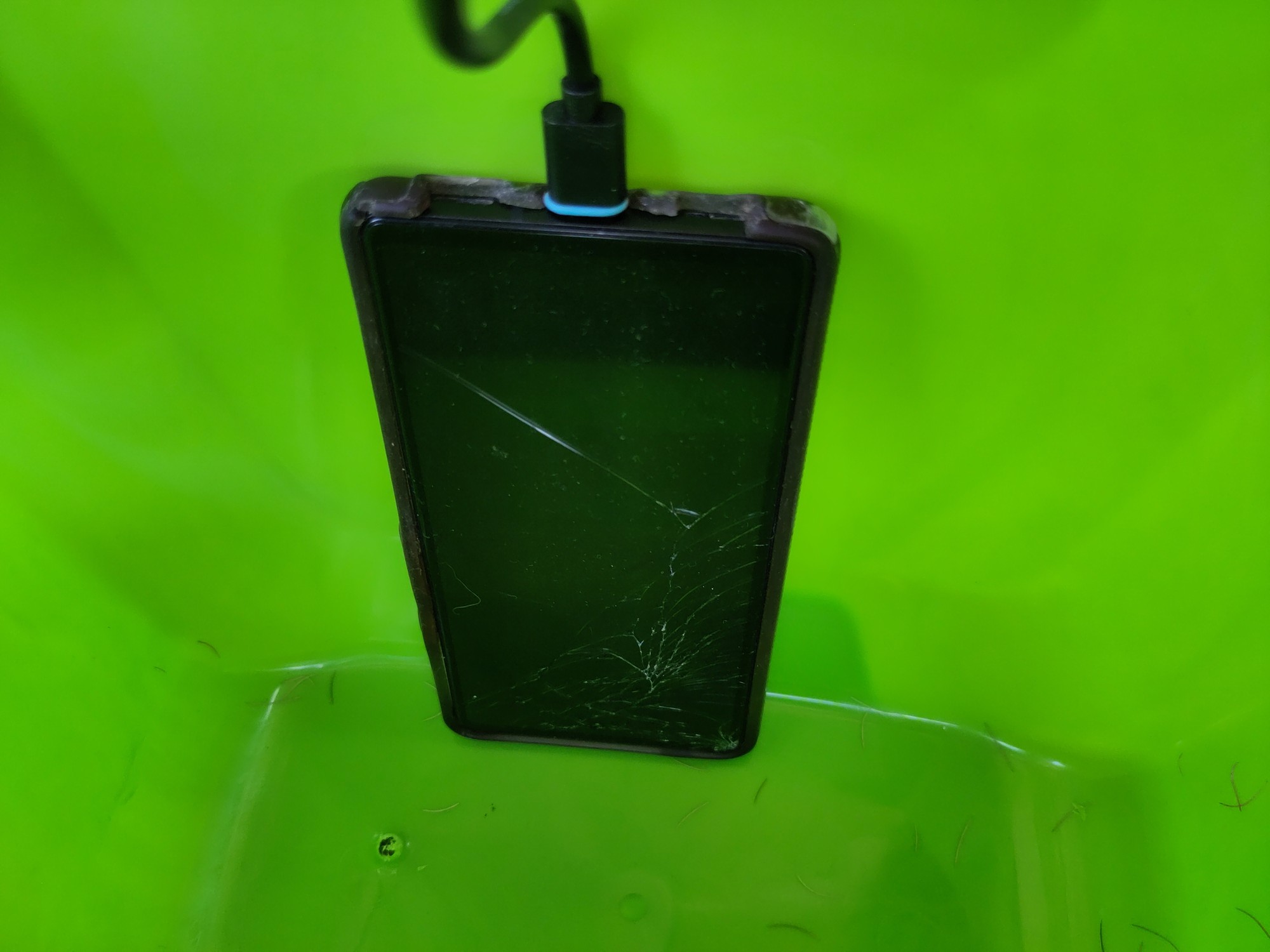
Solar powered web server on a phone
Solar powered web server. Its going to be repurposed into a meshtastic node soon.
Ebook reader on a heltek v3
Somewhat jank setup of a heltek which is also an ebook reader. It runs a webserver to upload the book in txt format, then I can take it on the go. I still have to do some work on the text.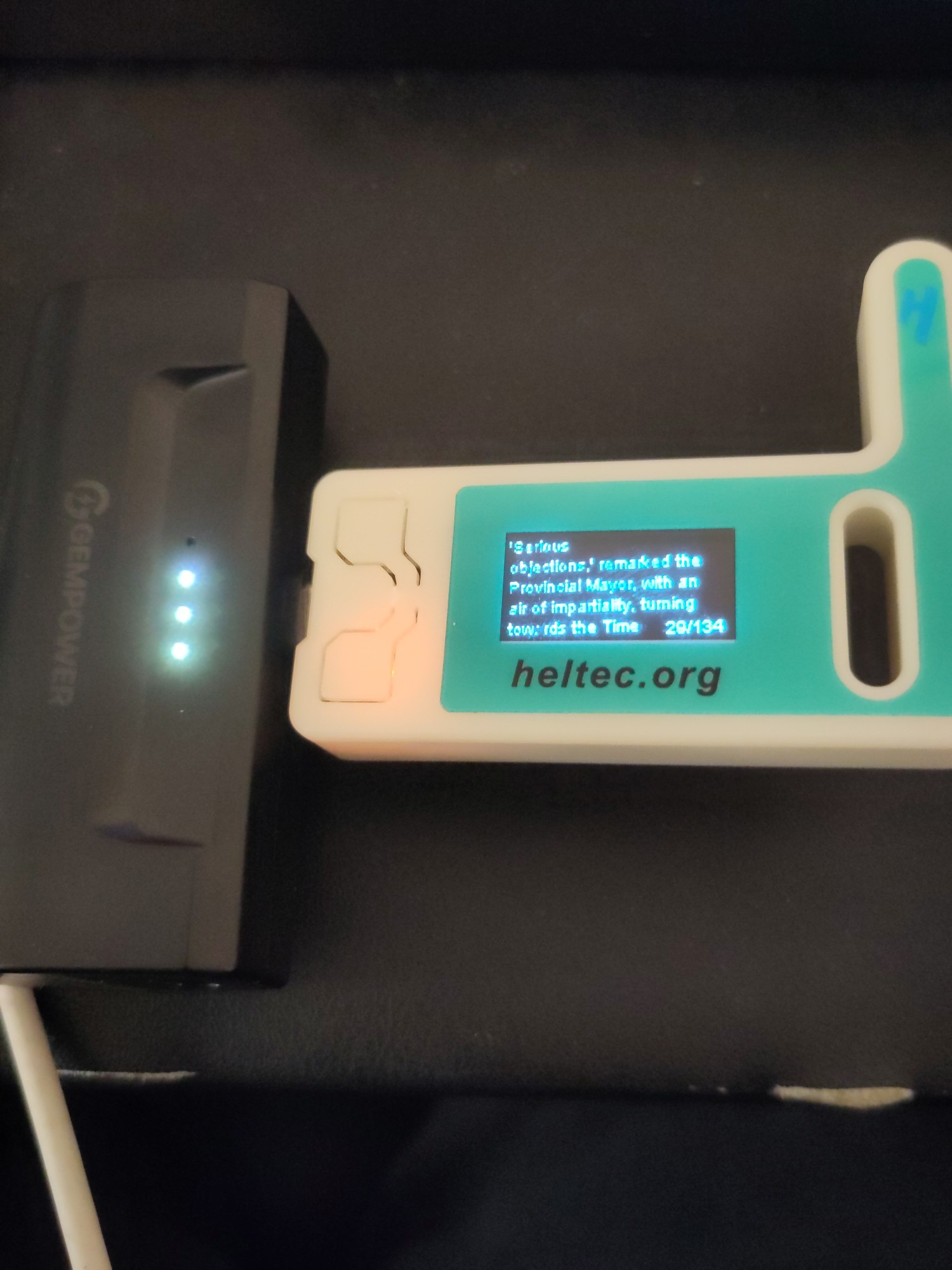
That ebook reader is wild! Does the text stay in place while you read, or does it scroll past like a stock ticker?
If the latter doesn’t exist, I guess I should go push a PR to make that happen on meshcore firmware haha
Stays in place. It was a weekend project so I still need to do some work on the text in particular. Im not sure if ill go any farther, but the code is here if you want to take a look.
Now that’s a crafty homelab, love it
The best homelab is the one you already have.
The second best is the one you want to buy :D
Is that a PI in your setup?
Yeah it’s just haproxy + uptime kuma
nice!
If you get bored and adventurous:
https://en.wikipedia.org/wiki/Computer_case_screws
You might be able to get a box of thumbscrews in the appropriate diameter and go toolless. I’ve had a number of computer cases that ship with those (my current desktop case just uses magnets, doesn’t even have the thumbscrews). I have had a lot of less-than-ideal toolless things in the past, including poorly-designed toolless hard drive mounting stuff that wound up being a lot more work than the traditional tool-requiring stuff, but for the screws that keep the case closed, going toolless has always been a big win for me.
Thats good to know! Although if I am honest, ill probably just repurpose my current desktop that I am using for this conversation and get a new one if I end up re-doing my homeservers again.
Last thing I want to do is more work at home. So these are just “for fun” projects. If im not having fun, I start removing things from the setup.
You need to make a ‘I’ve been busy’ post.