

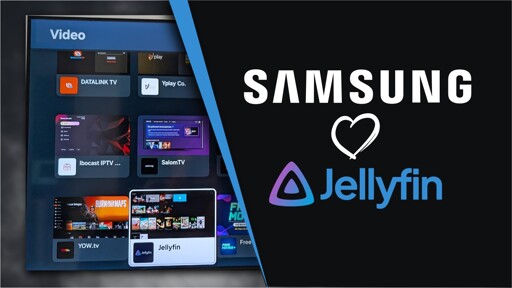
Samsung Smart TV owners can now use Jellyfin natively, as the open-source media server is now available on the Tizen platform.
Samsung Smart TV owners can now use Jellyfin natively, as the open-source media server is now available on the Tizen platform.
Kodi running on an (old) Nvidia Shield Pro, reading from a NAS via dlnr. This works nicely and I don’t get any quality degradation… Except for HDR+ which the shield doesn’t support and I was stupid and bought a Samsung TV, which is bad for numerous reasons, but also this one.
And of course, we are now closing in on the decade since it was released, and still no viable replacement.
Replacement for what? kodi? you’ll pry kodi out of my charred and flayed hands! (American)
EDIT nvm can’t be kodi. forgive me.
but yes i love kodi
edit edit,
any old Chromebook can run LibreELEC!
I tried Kodi years ago when I heard about some guy getting busted at a local flea market for selling Kodi rigged appliances. I didn’t download anything, but that UI was atrocious. After about 5 minutes of tinkering around, I just uninstalled it. Probably one of the worst UI’s I’ve encountered.
I’ve hacked mine together with a control4 system i pulled out of a dumpster, with a handheld remote it is quite navigable!
kore app/yatze on phone or direct selection of media from home assistant, you really don’t have to see the GUI that much at all if you’d prefer not to.
smart playlists, addons for other features.
i think it’s a swell front-end for a media server!
Sorry, the Nvidia Shield. It’s super old, but still best in class.
Um…. Okay?