

My brother recently gave me a birthday gift: A Dell 27 Plus 4K Monitor - S2725QS - 27-inch 4K (3840 x 2160) 120Hz so we can play Warzone together.
No matter what I do, it doesn’t seem to run 120 frames per second on this monitor.
I’ve looked at endless videos, articles, and blog posts.
The weird thing is that we also play Battlefield 6, and I can get it running at 120 fps there.
Why is this happening? Do I need a 144Hz monitor instead to be able to reach 120 fps? Any and all help is appreciated. Thank you.
Monitor settings:
- Preset mode is FPS.
- Smart HDR is on Game HDR.
PS5 settings:
- HDR is off.
- Performance mode enabled.
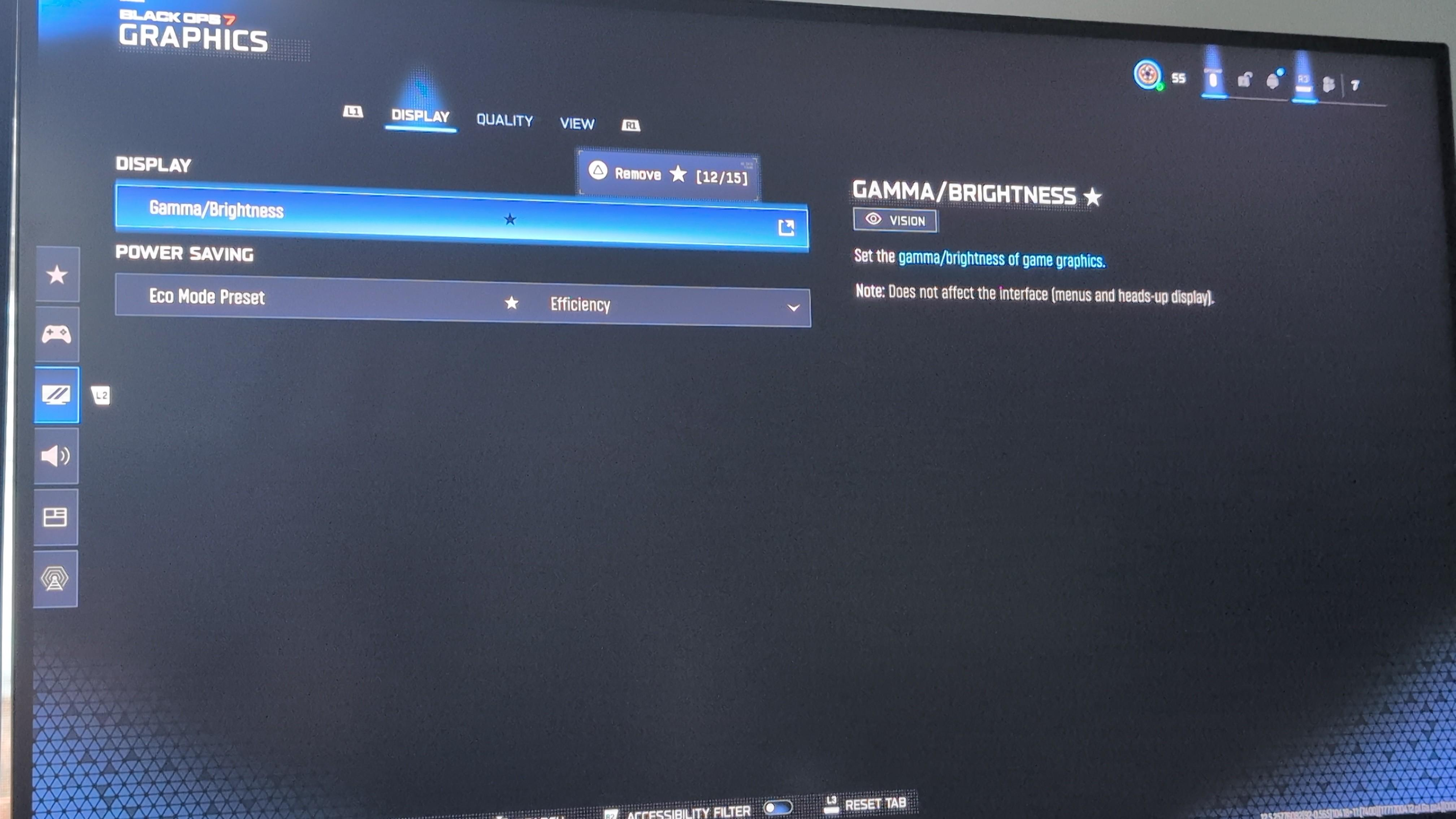
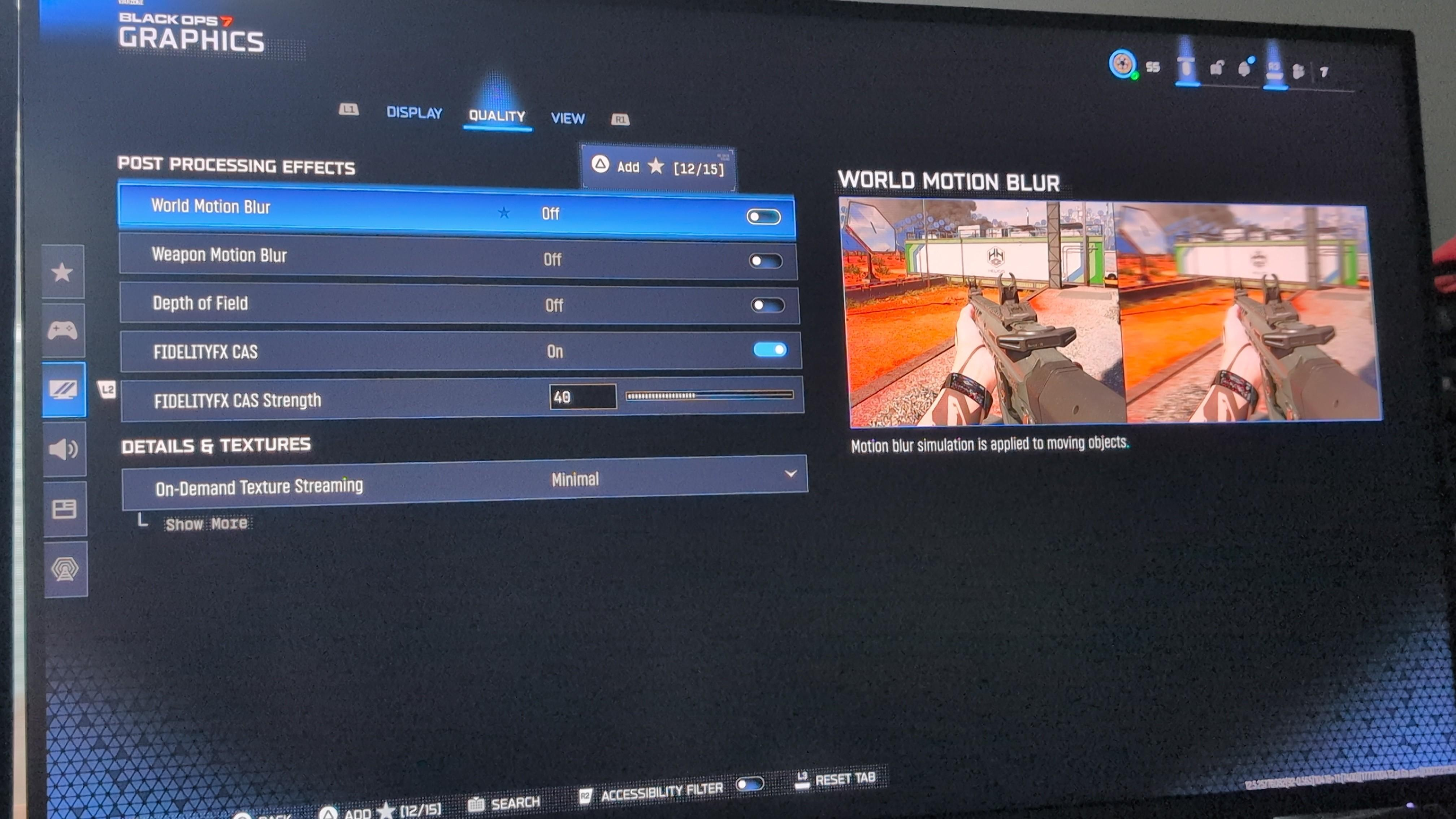
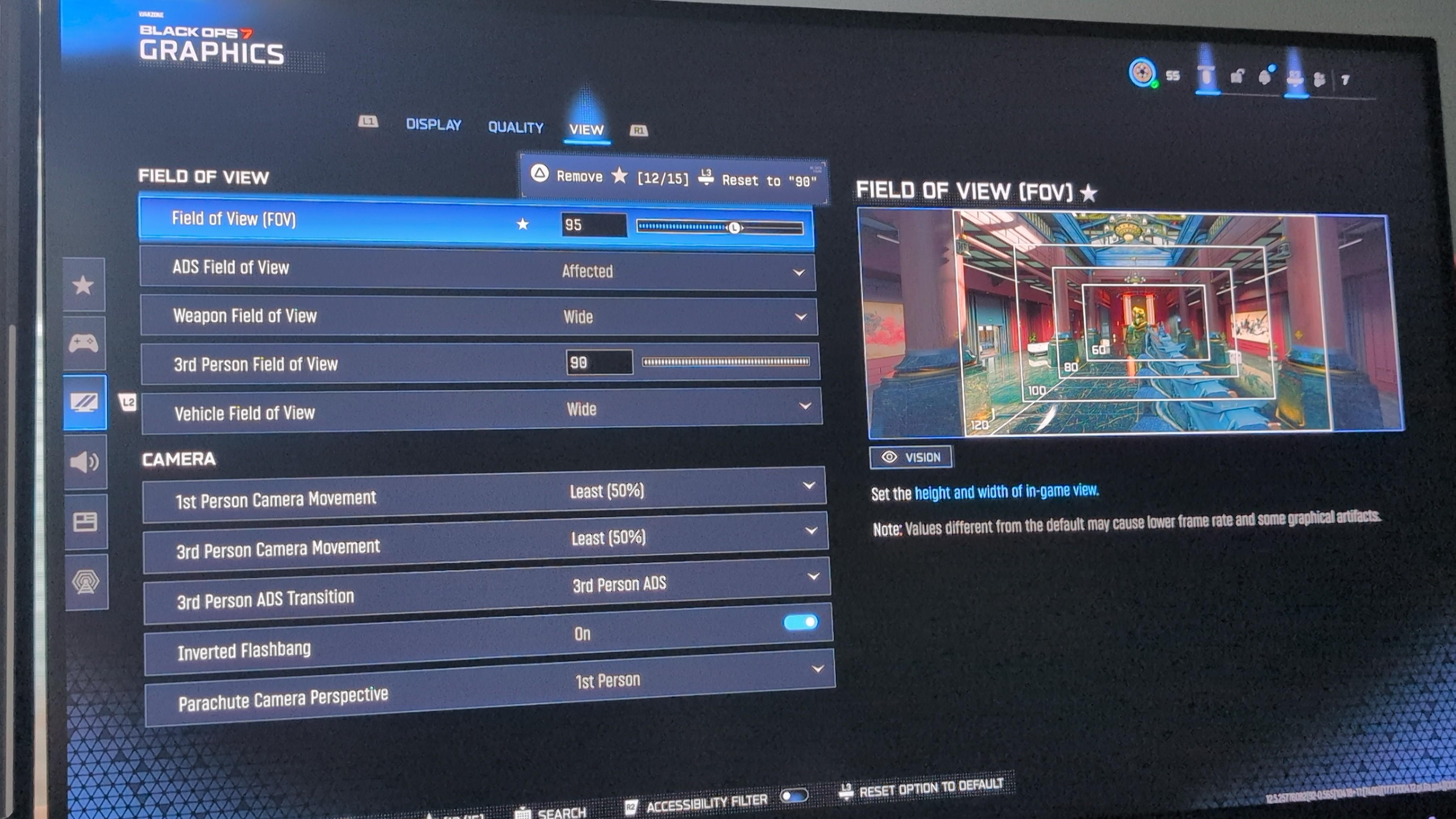
Here are my 3 Graphics tabs settings:
You must log in or register to comment.
If it’s just the game I’d assume it’s because it’s not in performance mode
That’s the strange part, because the game graphics settings only has 2 options: Gamma/Brightness and Eco Mode Preset (which is set to Off).
I did see one screenshot once in my digging that showed the game settings and it had HDR, performance, and something else. But my game only has these two items.
Yeah I found this video that should be your setup https://youtu.be/GC1gYkcBz3U I guess the only other thing is if the cable you’re using isn’t capable of 4k120, and battlefield 6 is running 1440p120 or something but if it’s the one that came with the monitor I would expect it to work.
That’s the weird thing! I saw this video too, but I don’t have those graphics options within Warzone. I only have Eco Mode Preset and Gamma/Brightness. Those are the only 2 settings on Warzone.
I don’t have the HDR setting, nor the 120 Hz refresh rate setting.
The cable definitely shouldn’t be the problem, as it’s the one that came with the monitor. It even has a sticker that says it’s HDMI High Ultra Speed, which is HDMI 2.1 according to hdmi.org.
I actually don’t even mind 1440p120 if it means I can get 120. It doesn’t need to be in 4k. I would prefer it of course, but I’m so confused as to why there’s no 120fps at any resolution.